UX/UI Design
User Flows
Team
1 Designer, 2 Project Managers, 2 Developers, 2 QA
Year
2021 - 2022
Challenge
Goal
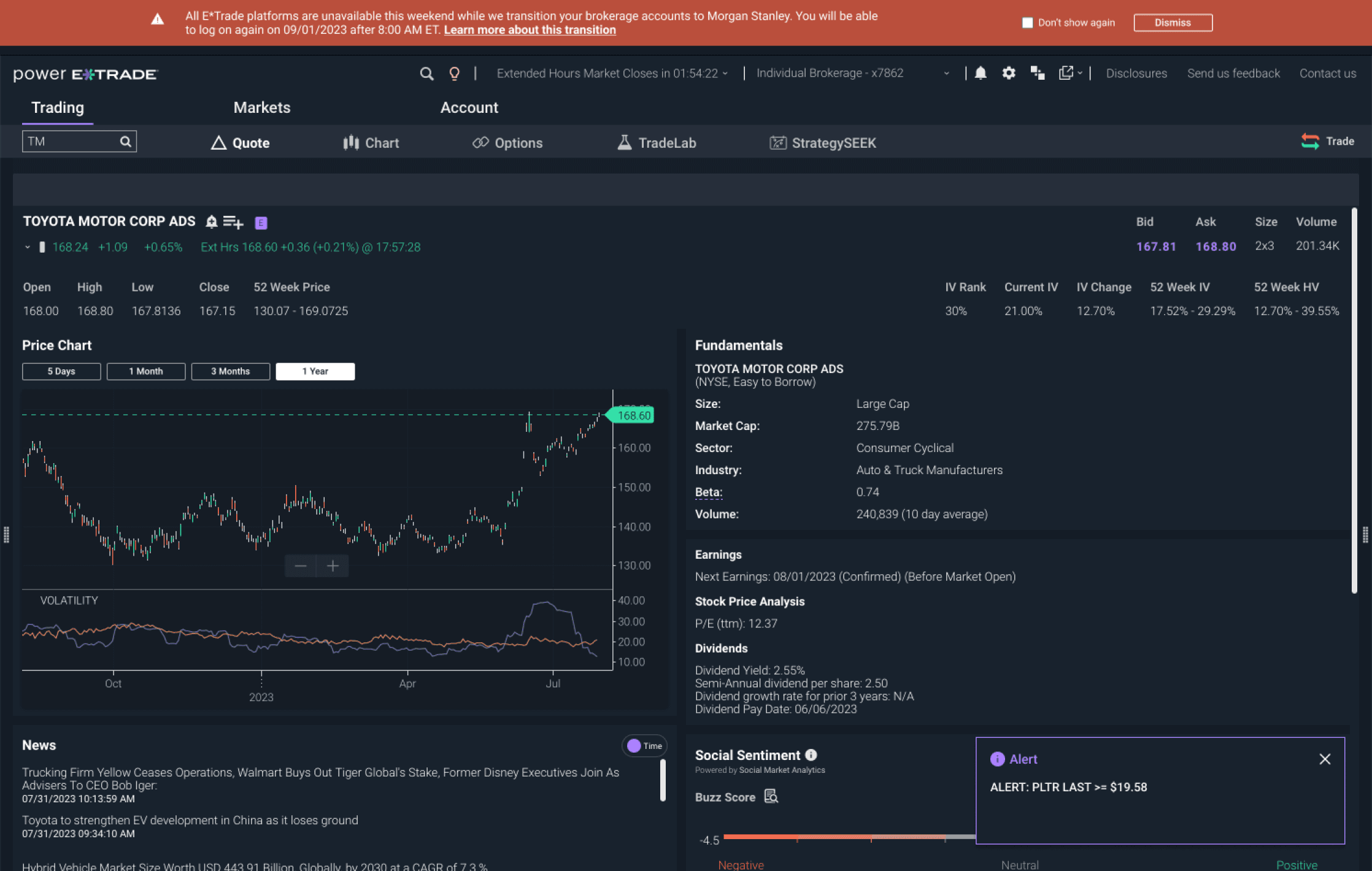
The current Power E*Trade web experience relied on a mixture of banners and toasts for messaging.
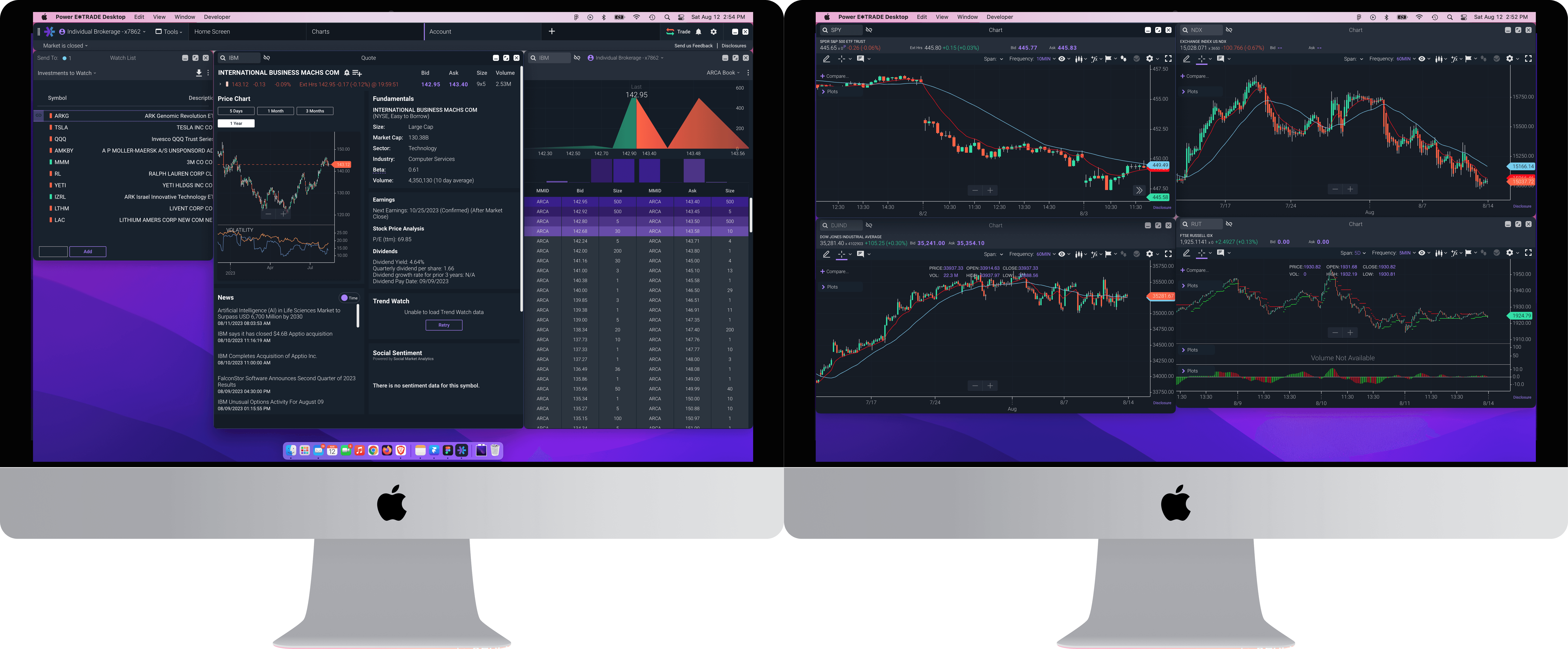
The question became how do we adapt messaging to a multi-window experience?
Working with different users
During our separate testing sessions with E*Trade Pro users and Power E*Trade desktop alpha group users, we were able to identify pain points in the trading experience where correct error handling and user messaging could improve the user experience. User were occasionally hampered in their trading experience by intrusive messaging for negligible or obligatory communications, or error states where it was unclear how to proceed forward or where the error was happening.
Because this was a desktop experience, we also wanted to take advantage of native OS messaging where we could, in order to bridge an “uncanny valley” in the desktop experience - users have an expectation that desktop applications feel like native applications, not a web interface. These ideas were kept in mind while designing an overall system of communication that we later validated with hallway testing.
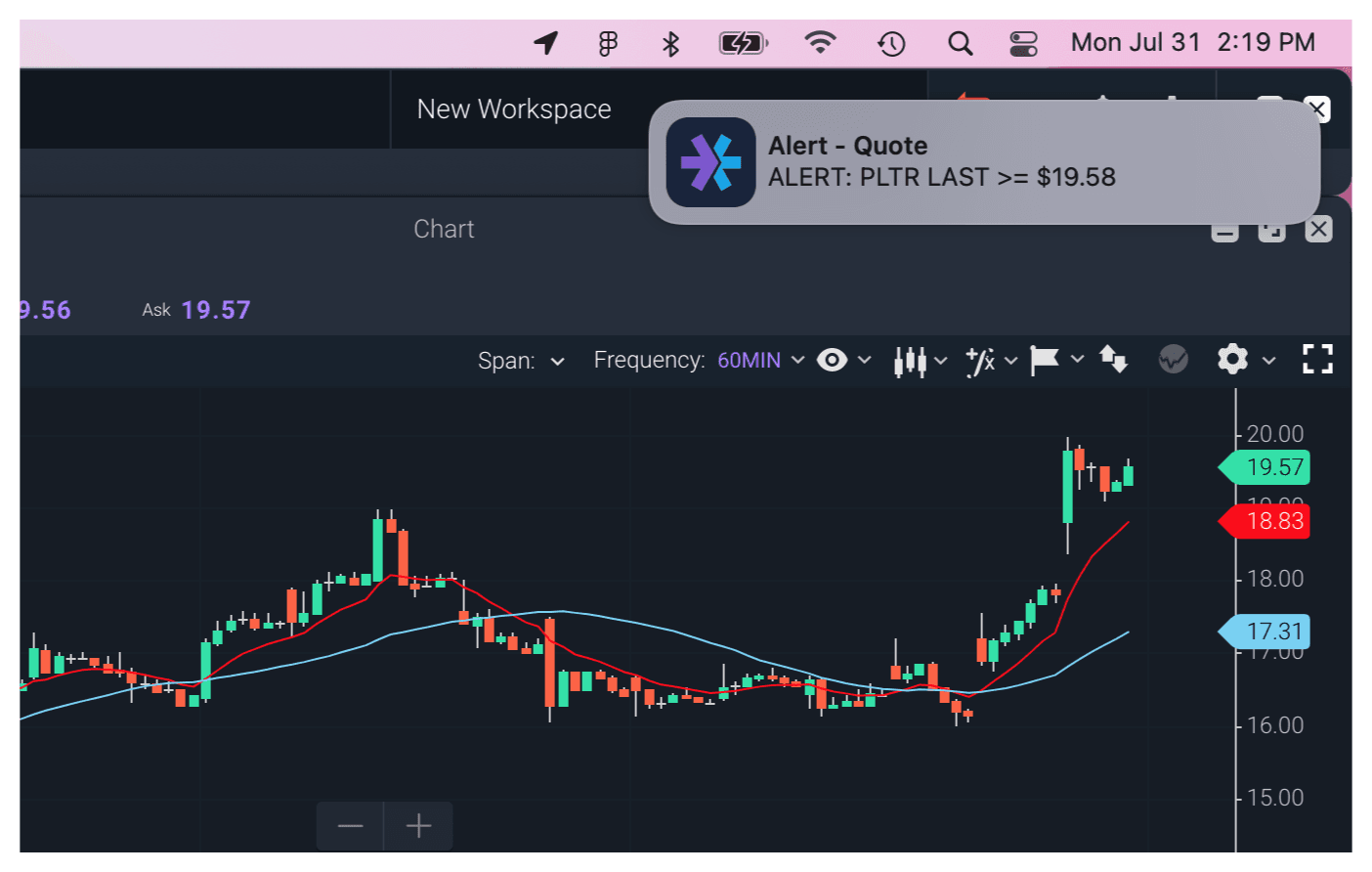
Native Messaging
Users need the ability to see updates that an order to the market of theirs was filled, or alerts that indicate a certain price for a stock has been hit. In this scenario, native Windows/Mac notifications were utilized, bringing important, time-sensitive information directly to the forefront for a user to act on.
Native modals
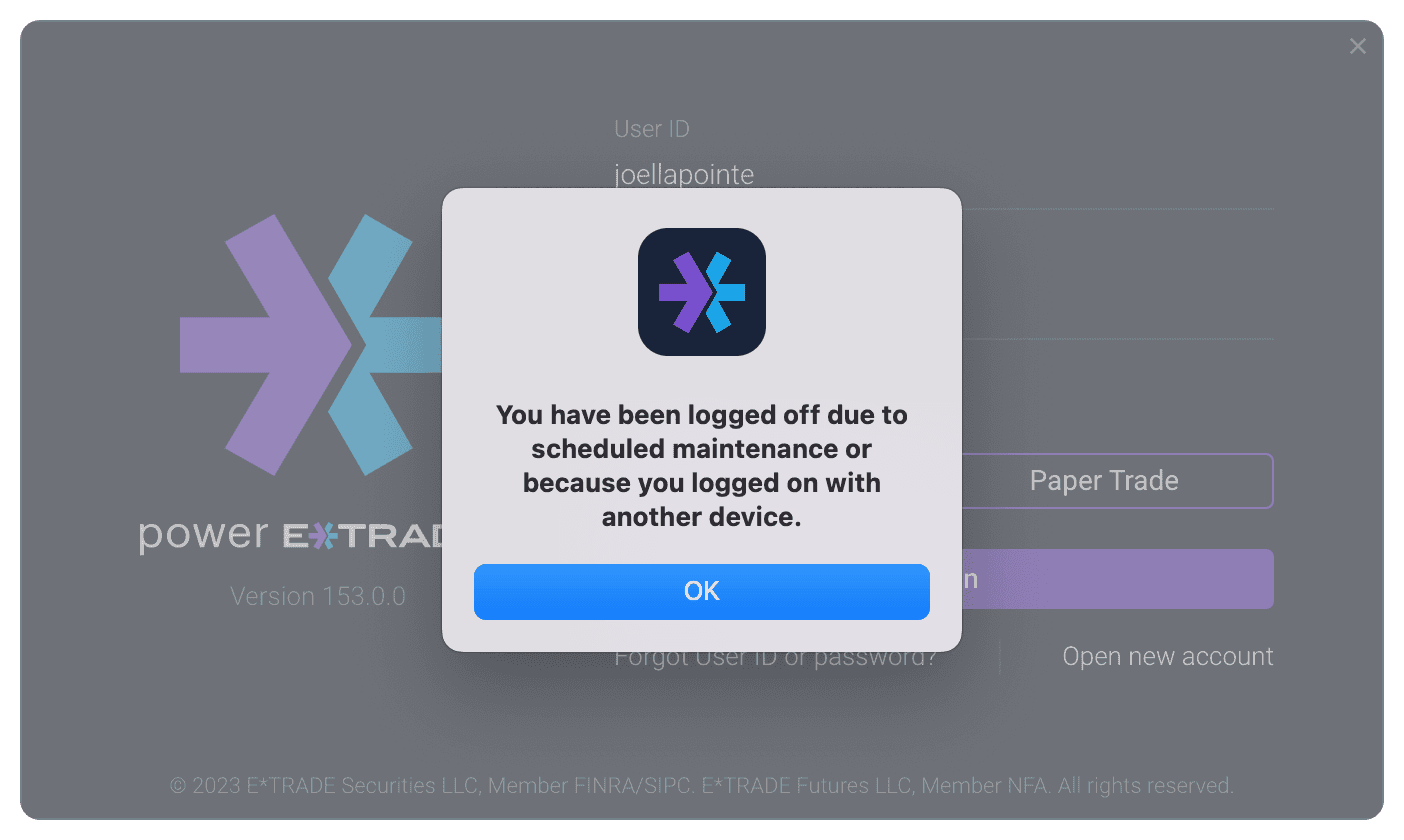
Native desktop modals were leveraged only in the circumstances that required an absolute high-priority stop to the experience, respecting the inertia of the user being brought to a halt only in the most appropriate scenario. We utilized these for situations such as platform inactivity or multiple device sign-ons, closing out the experience, focusing the users attention to the application, and explaining what has happened.
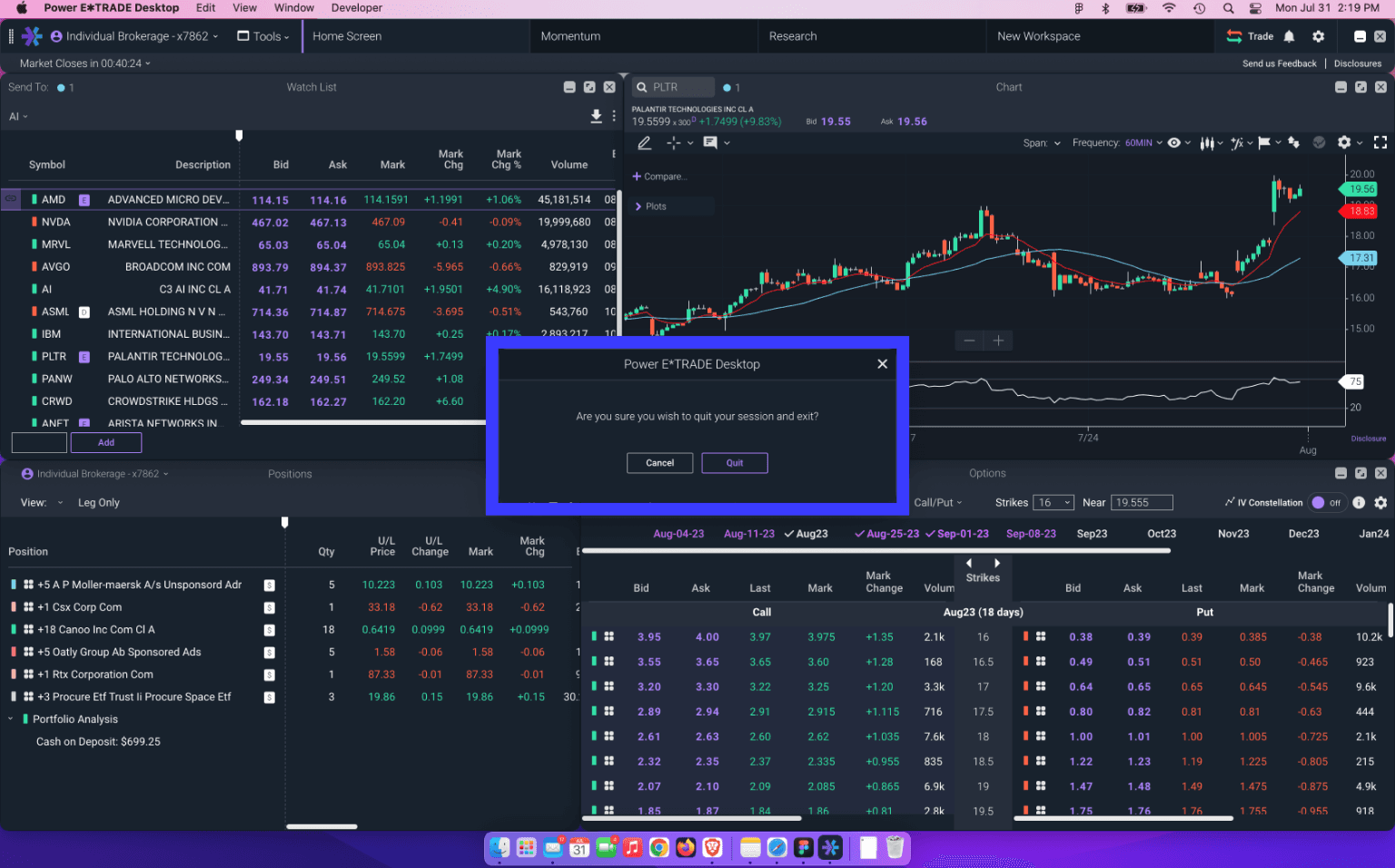
Platform dialogs
Actions performed from the menu bar that had consequences that affected the experience, but did not merit a modal that would prevent the user from accessing the platform still, were handled via platform dialogs. These were used in such scenarios as exiting the program, logging off as a user, or resetting workspaces. This dialog allowed the user to commit high level actions, while still being able to quickly get out of the dialog and quickly interact with an action on the platform.
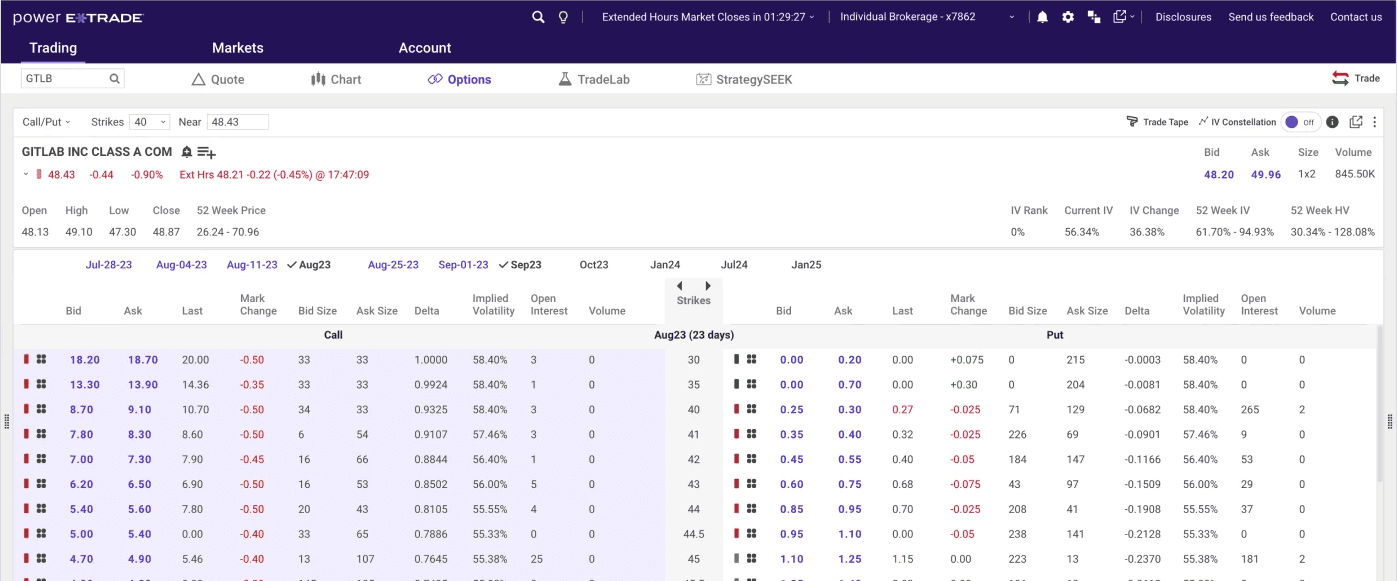
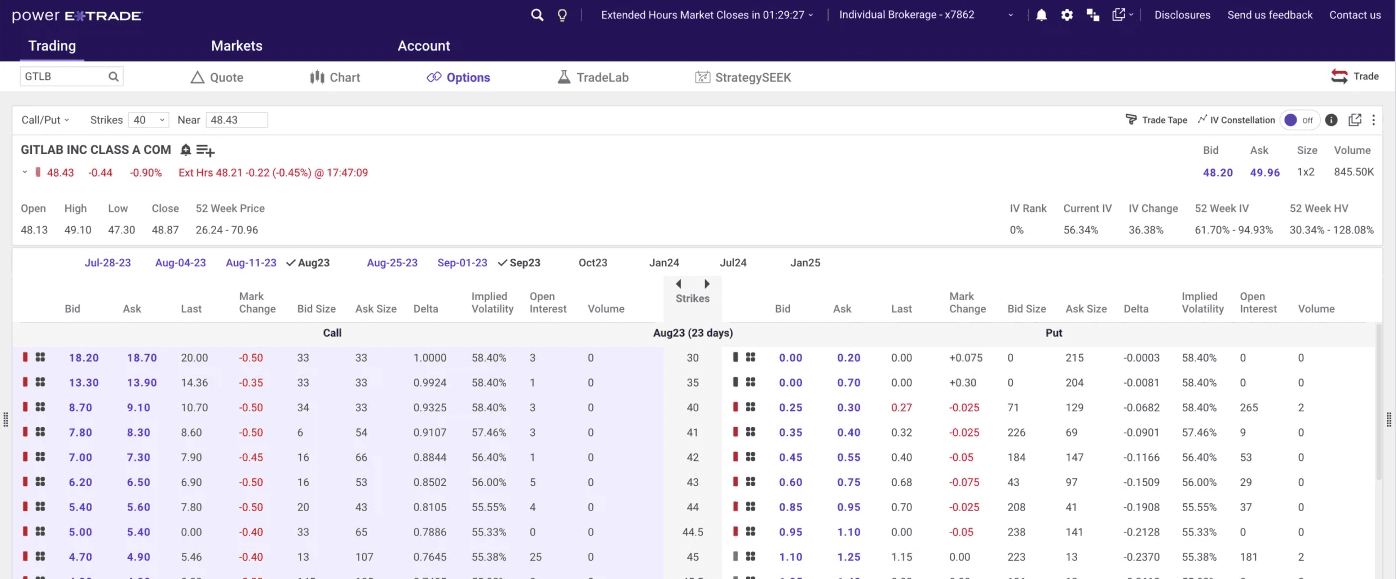
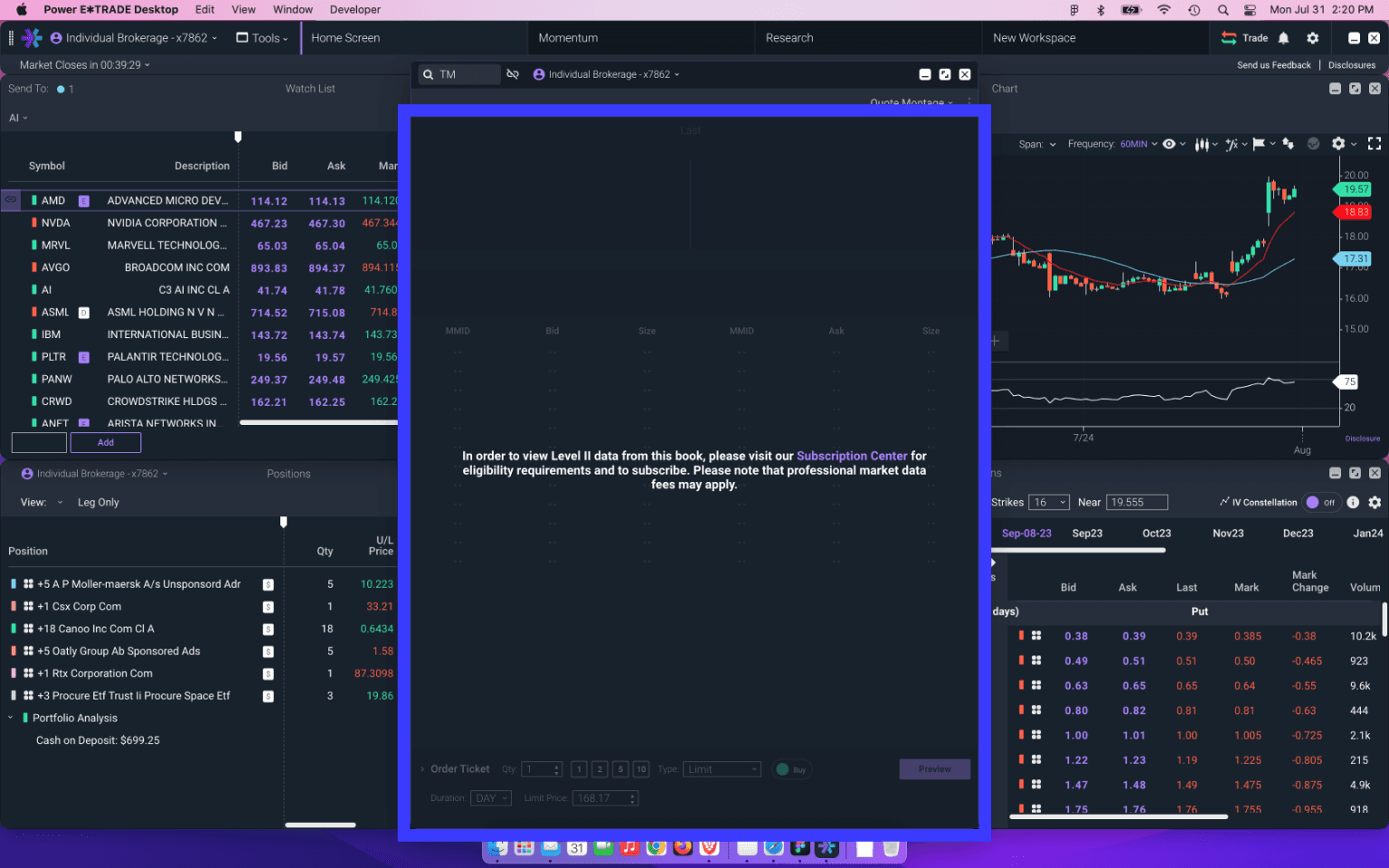
Power E*Trade is a realtime streaming service that contains different tiers of subscriptions for data sources. Certain tools require that the user is subscribed to a specific data service in order for the tool to be used. For these errors, we created an overlay and a flow for the user to be informed of their subscription level, and how to upgrade in order to use the tool.
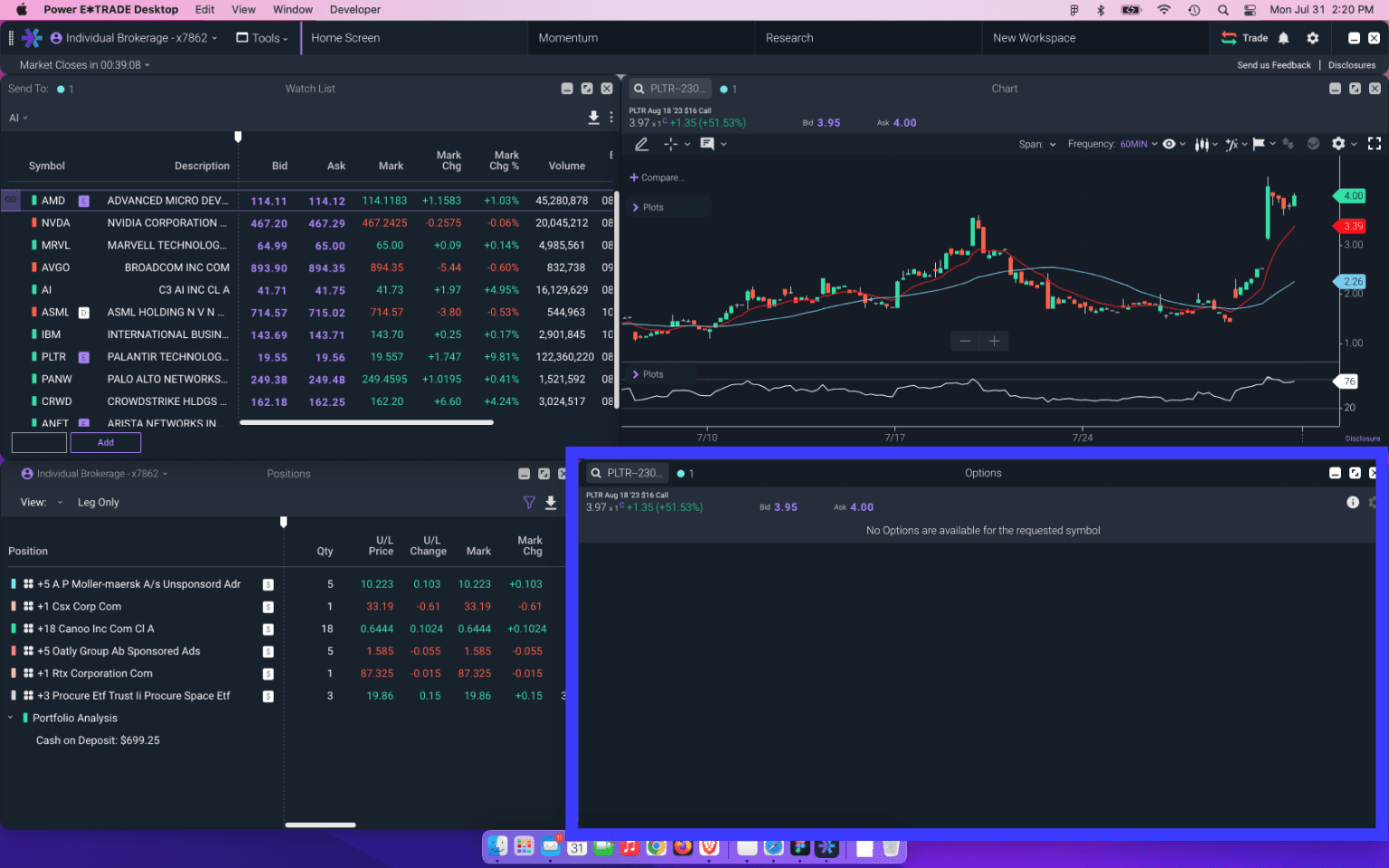
Symbol errors
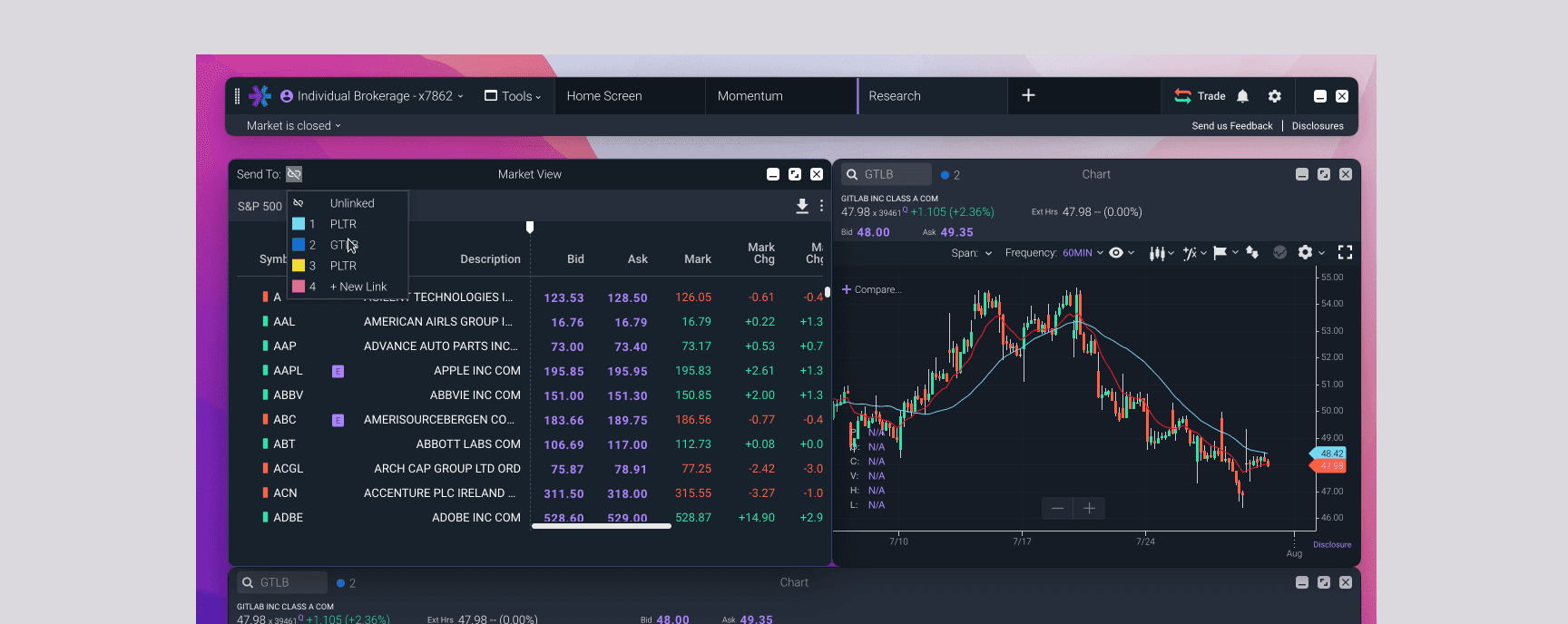
On the original web Power E*Trade experience, a single symbol search drove content on the platform, so certain tools were shown/hidden to the user depending on the symbol selected. When users were given the ability to create multiple disparate windows linked together to symbols the tool was not designed to accommodate, designs for edge cases were needed to make sure flows continued smoothly and without stoppage. Simple messaging was added to the content of the tool itself explaining that it didn’t support that particular symbol. This made it possible for users to quickly cycle through multiple symbols without having to navigate further error states.

Occasionally, regulatory messaging was needed to be conveyed to the user, such as in the instance of their account number changing due to the merger of E*Trade and Morgan Stanley. When testing with users, a big point of contention was that this type of messaging should never slow down or obfuscate the user from making a trade. For instances such as these, messaging was placed as a banner on the main menu bar, giving it a higher visibility by its location on the main navigation, but remained out of the way of any tool experience the user might be trying to get to in a timely manner.
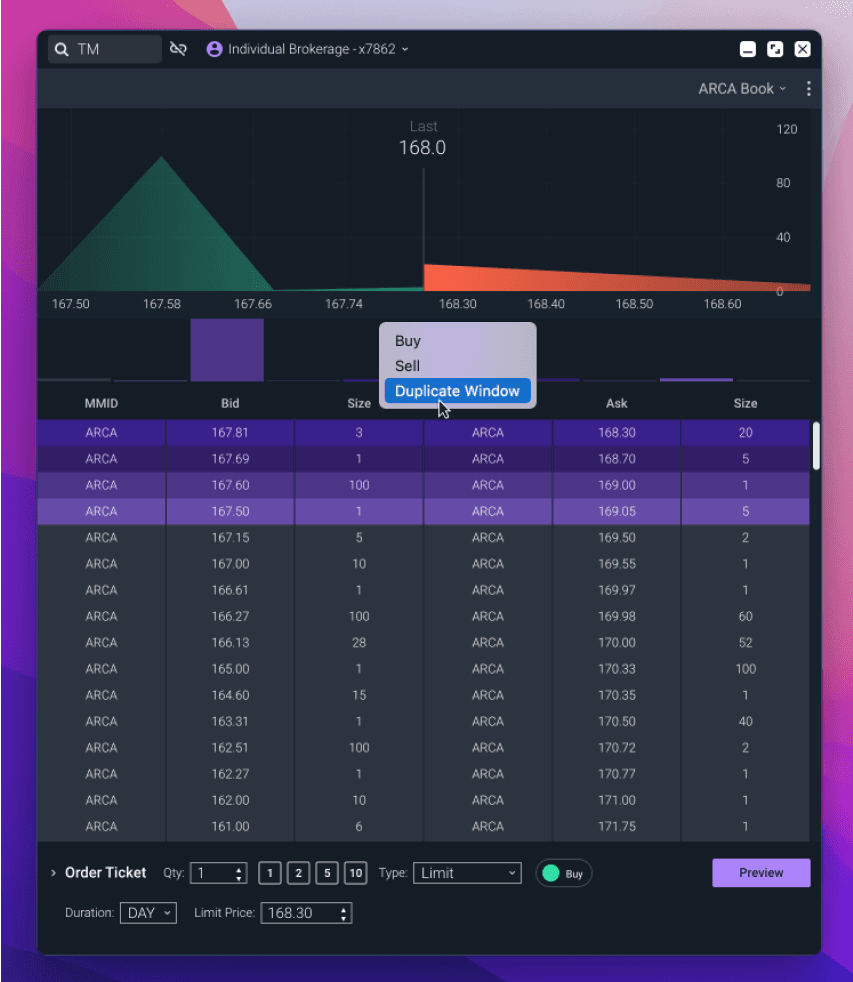
Users are able to duplicate or launch new tools from child tool windows via right click or contextual menus
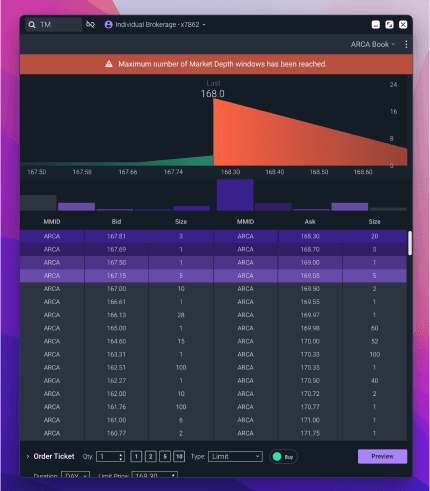
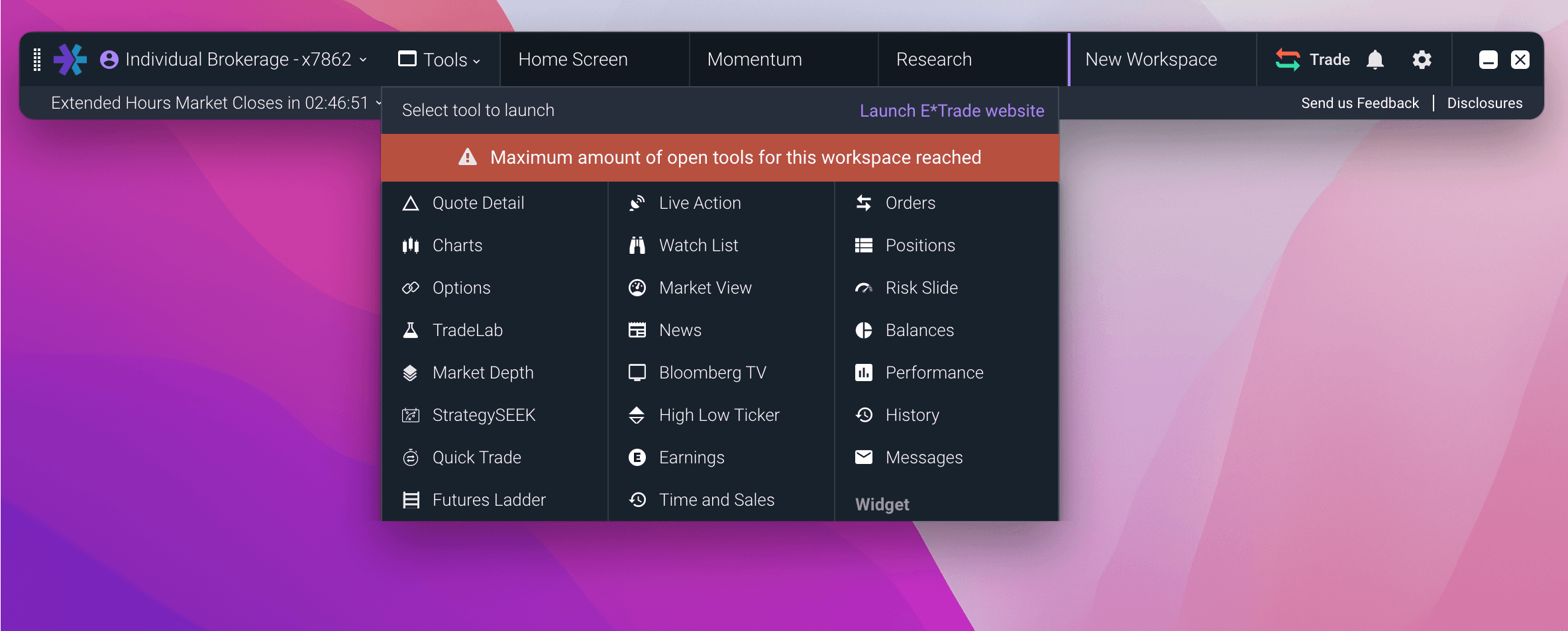
Errors are contextual to limits placed on the specific tool, or on the total number of tools per workspace